
Shimeji alternatives that work on Mac
Compare current Shimeji runners with Paw-Paw, a native macOS 13+ desktop pet that reacts as you type.
Disclosure: Shimeji is a community ecosystem rather than one current commercial product. Paw-Paw is not affiliated with Group Finity, Shimeji-ee, Shijima-Qt, or their maintainers. We reviewed public project pages and did not benchmark every runner.
Sources reviewed October 7, 2026: Shimeji-ee maintainer, Shijima-Qt release notes, Shijima downloads, and ShimejiEE-cross-platform Mac instructions. Listing verification, not an installation or performance comparison.
What “Shimeji on Mac” means today
Classic Shimeji-ee was built around Java and primarily targets Windows. Mac users have community alternatives: Shijima-Qt is a no-Java open-source beta whose GitHub repository was archived on April 29, 2026, while ShimejiEE-cross-platform offers a Mac build with a bundled runtime. Each runner has different compatibility and Gatekeeper caveats. For more Mac pets, roaming and not, see our best desktop pets for Mac comparison.
Runtime choice — classic Shimeji-ee requires Java. Use a compatible separate runtime or a package that includes one.
Archived beta — Shijima-Qt's last desktop release is v0.1.0 from March 2025, and its repository was archived on April 29, 2026. The v0.1.0 release notes say the Mac build was not tested, so treat it as experimental, especially on a recent macOS version.
Different surfaces — browser extensions keep characters inside the browser. Desktop runners can roam outside it, but must be compatible with your macOS version and may trigger Gatekeeper warnings.
No universal performance answer — resource use varies with the runner, character pack, number of characters, animation, and Mac. We did not benchmark these projects.
Paw-Paw: A native desktop pet built for Mac
Paw-Paw is built in Swift for macOS 13 or later. It needs no separate Java runtime, Electron app, or browser extension. Unlike a roaming Shimeji runner, Paw-Paw stays in a selected screen position and reacts to typing and clicking. Our install guide covers setup, the Accessibility step and updates.
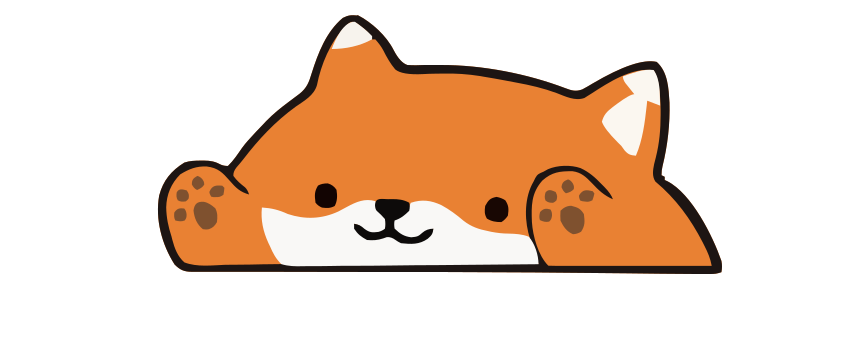
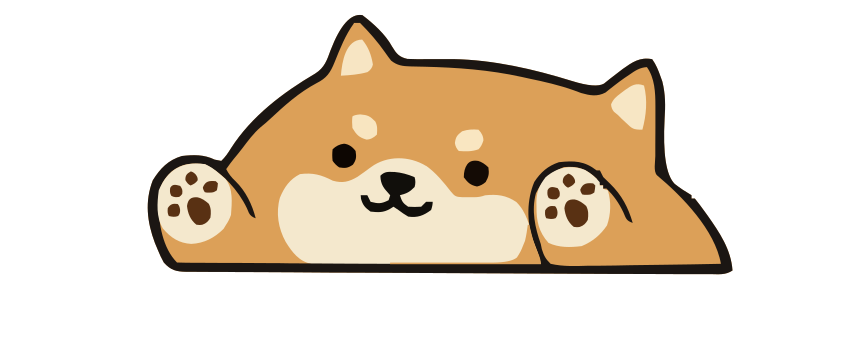
Instead of importing custom shimejis, Paw-Paw comes with dozens of free illustrated Paw-Paws across two seasons — bears, foxes, shibas, capybaras, raccoons, and more. Custom character imports are not currently supported.



Shijima-Qt vs. Paw-Paw: Comparison
| Feature | Shijima-Qt | Paw-Paw |
|---|---|---|
| Works on macOS | Archived open-source beta; Mac build untested | Native app for macOS 13+ |
| Requires Java | No separate Java runtime | No |
| Price | Free, GPLv3 | Free; optional $2.99 collection |
| Performance | Not independently benchmarked; measure on your Mac | |
| Reacts to typing | Roams and animates independently | Yes |
| Built-in characters | Aims for Shimeji-ee pack compatibility; individual packs may vary | Dozens of free Paw-Paws included |
| Cosmetic items | Character-pack dependent | 100+ free collectible items |
| Setup | Archived project; review the itch/GitHub caveats | Signed, notarized DMG plus Accessibility onboarding |
What makes Paw-Paw different
Reacts to your typing in real time
Unlike independently roaming Shimeji characters, Paw-Paw responds to typing and clicking. The animal types when you type, reacts to clicks, and falls asleep when you take a break.
Collectible items
As you work, you earn gifts, each one an item you haven’t found yet. Items range from tiny sprouts to ramen bowls, and you can drag them onto your pet to dress it up.
Perfect study companion
Paw-Paw can be kept open while studying or writing. Whether animation feels cozy or distracting is personal; close it whenever it pulls attention away from the task.
Frequently asked questions
Does Shimeji work on Mac?
Classic Shimeji-ee primarily targets Windows and requires Java. On Mac, Shijima-Qt offers a no-Java beta, but its repository was archived on April 29, 2026 and its release notes say the Mac build was not tested. ShimejiEE-cross-platform provides a Mac build with a bundled runtime. Compatibility depends on the runner, pack, and macOS version.
What is the best Shimeji alternative for Mac?
Shijima-Qt suits technical users for whom importing Shimeji packs and roaming movement matter most, but it is archived and its Mac build is untested, so treat it as experimental. Choose Paw-Paw if you want a native macOS 13+ pet that reacts to typing and includes built-in animals and wearable items.
Does Paw-Paw require Java?
No separate Java runtime, Electron app, or browser extension is required. Paw-Paw is a native Swift app for macOS 13 or later.
Can I use custom characters in Paw-Paw?
Paw-Paw includes dozens of free illustrated Paw-Paws across two seasons, among them bears, foxes, shibas, capybaras, and raccoons. Custom character imports are not currently supported.
Does Paw-Paw drain my MacBook battery?
We have not published comparative CPU or battery benchmarks. Resource use varies by Mac, settings, runner, character count, and activity; check Activity Monitor on your system.

Skip the Java headaches
Download Paw-Paw as a signed, notarized Mac app. No separate Java runtime or browser extension required.
Download Free for Mac