A brand‑new Library
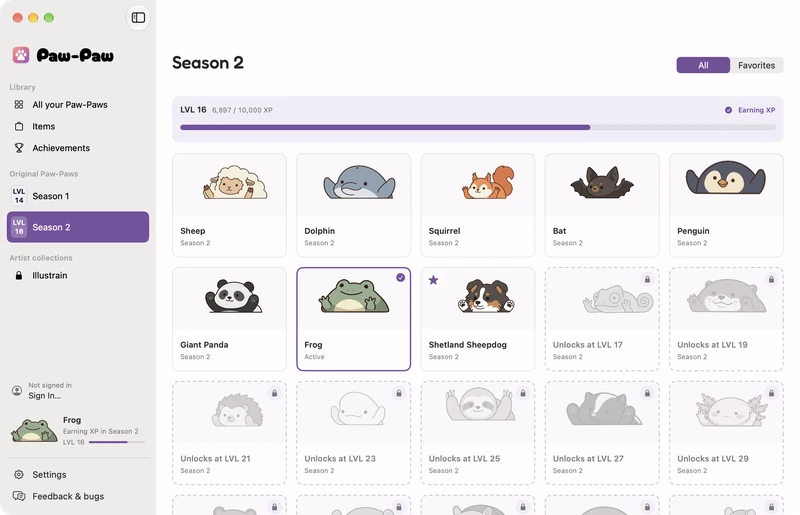
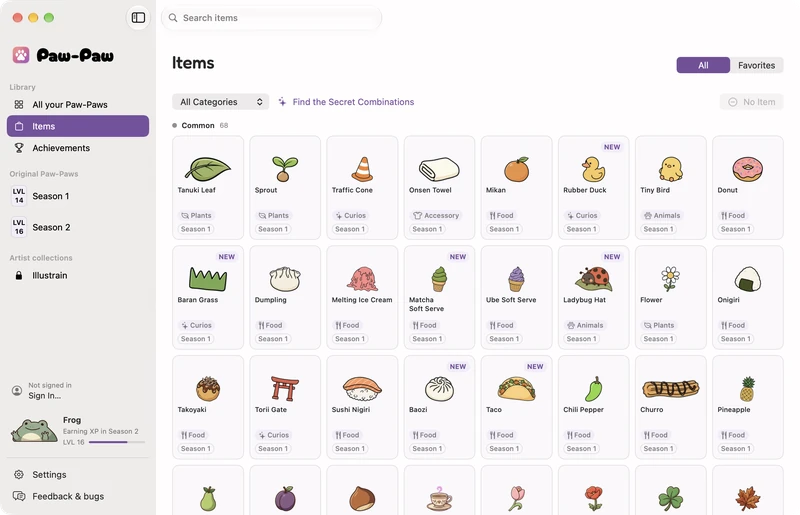
Every Paw‑Paw, item and achievement in one window, with a page for each season.
See it in action
That little friend in the corner? That’s your Paw‑Paw. Type or click around and it reacts. Click it to hear a line, or type fast to set it On Fire.
What is Paw-Paw?
Paw-Paw is a free desktop pet for macOS that sits on your screen and reacts as you type and click, on any MacBook, iMac or Mac mini running macOS 13 or later. It's cute and stays out of your way — just a little companion to make coding, writing, and working a bit cozier. No ads, no nonsense, and no account needed. Just vibes.
New in Season 2
The biggest Paw‑Paw update yet. Here’s what’s waiting for you.
Every Paw‑Paw, item and achievement in one window, with a page for each season.
Pick one of three gift capsules and watch it pop open, then wear what’s inside straight from the reveal. Go on, pick one.
Get into a rhythm and your Paw‑Paw catches fire. Type fast anywhere on this page and watch the one in the corner.
Little cheers for the next small step. Click your Paw‑Paw to hear one.
Ewe can do it, and I’m not being sheepish about it.
Pick a size and Mirror Mode in Settings. Right-click your Paw‑Paw, or its Dock icon, to switch Paw‑Paws and items or set its opacity.
Filter by category, search by name, and see which season each item came from.
Earn rare ones for special items and legendary ones for mythical Paw‑Paws. Some hide behind secret Paw‑Paw and item pairings. Click a medal.
A medal for your collection and a little bragging.
 Reward ??? A special item
 Reward ??? A mythical Paw‑Paw
Meet the gang
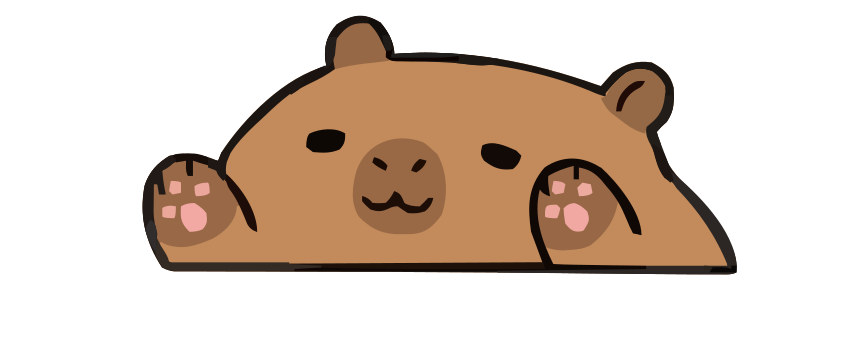
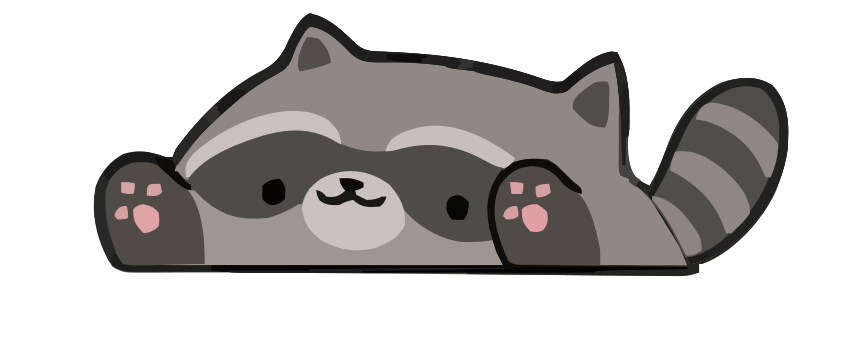
Start with Shiba or Sheep. As you type and click, each season grows on its own track. Click any Paw‑Paw to bring it to your corner.
Every Paw‑Paw in both seasons is free to discover.
Items
Type, click, and work to earn gifts, each one an item you haven’t found yet. 100+ free items to find, and every one fits every Paw‑Paw.
Try it on: click an item, or drag it onto your Paw‑Paw in the corner. Click it again to take it off.tap an item to put it on your Paw‑Paw in the corner. Tap it again to take it off.
free items — from tiny sprouts to frog princes
Many new items in Season 2!Artist collection
Paw‑Paw’s first artist collection: five Paw‑Paws and 57 items on a level track of their own. Unlock it once, then earn them all as you type.
Illustrations by Illustrain. Bought inside the app; the rest of Paw‑Paw stays free.

Each one taps along as you type.
They drop as the collection levels up, and they fit every Paw‑Paw.
and 45 more to find in the app
Roadmap
Our plan for the rest of 2026. The months are our best guess and may shift a little, but all of it is on the way. New Paw‑Paws and items keep arriving in between.
October Now
November
December
Something you’d love to see? Tell us. See what already shipped in the changelog.
Community
We're a tiny team of two, and we want to make this the best desktop pet possible. Every bug report, feature idea, or piece of honest criticism makes a real difference to what we build next.
Want to show off your Paw‑Paw or swap tips with other players? Come say hi on Reddit.
Join r/PawPawPet →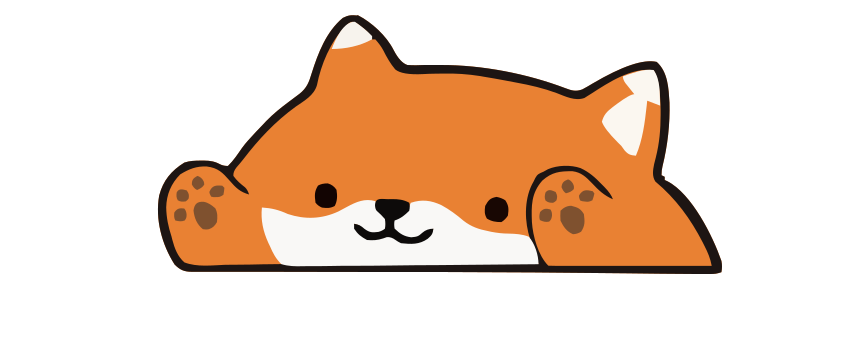
Tell us with the form below, or from Feedback & bugs in the app’s Library. A sentence or two is plenty.
Send feedback →Questions & answers
Yes. Paw‑Paw is free, with no ads or subscription. Both seasons, with all of their Paw‑Paws and items, are included at no extra charge and unlock as you play. The optional extras are collections you buy once inside the app: the Illustrain Collection for USD 2.99 and, until November 1, the Halloween Midnight Mischief Collection for USD 0.99.
Many new Paw‑Paws, starting with Sheep, and many new items, plus a new Library window for your collection, achievements to earn, secret pairings to find, 2× XP when your Paw‑Paw is On Fire, and a Paw‑Paw that cheers you on in little speech bubbles. Read the Season 2 release notes.
Version 0.4.0 gives every achievement a rarity and the rarest ones a reward: rare achievements bring special items and legendary ones mythical Paw‑Paws. It also adds many new achievements and secret pairings, lets you keep the original look of a redrawn Paw‑Paw, and brings Paw‑Paw in German. Version 0.3.0 brought the Midnight Mischief Collection for Halloween, Paw‑Paw in Japanese, Korean and Chinese, a new Items page and gift capsules that pop open. Read the changelog.
No. Accounts are optional. Sign in only if you want to buy a collection or keep your progress in sync.
Paw‑Paw’s first artist collection: 5 Paw‑Paws and 57 items illustrated by Illustrain, on a level track of their own. Sign in and buy it once for USD 2.99 on its page in the Library, then pick Earn XP Here on its page to level up its track and unlock its Paw‑Paws and items one by one.
A desktop pet is a small animated character that lives on your screen alongside your other windows. Paw‑Paw’s pet sits on your Mac desktop and reacts to your typing and clicks, like a tiny companion that keeps you company while you work or study.
Yes. Paw‑Paw is a native app for macOS 13 Ventura or later, including macOS 14 Sonoma, macOS 15 Sequoia, macOS 26 Tahoe and macOS 27. Its universal binary runs on Apple silicon and Intel Macs, from a MacBook Air to an iMac or Mac Studio. It’s macOS only for now; a Windows version is planned for later in 2026. The app speaks English, German, Japanese, Korean and Chinese, following your Mac’s language. You download it directly, with no App Store or sign-up, and the download is signed with Apple Developer ID and notarized by Apple.
No. Paw‑Paw needs macOS Accessibility access to notice when you type and click. It counts key presses and clicks, never what you type, and never logs or transmits typed text; the setup guide shows how to allow it. It checks its CDN for updates, syncs your progress only if you sign in, and sends usage analytics or crash diagnostics only if you opt in.
Right beside it. Your Paw‑Paw sits in the bottom-right corner of your screen, next to the Dock (bottom-left in Mirror Mode), and steps up onto the Dock when the Dock reaches that corner. Drag it anywhere; Reset Position puts it back. Double-click your pet to open the Library. Paw‑Paw also has its own Dock icon: right-click it for the same menu as your pet, with Open Library, Change Paw‑Paw, Click-Through and more.
Dozens of free Paw‑Paws across two seasons and more than 100 free items, plus 5 Paw‑Paws and 57 items in the optional Illustrain Collection and new Halloween Paw‑Paws and items in the Midnight Mischief Collection.
Get in touch
Found a bug? Have an idea? Just want to say hi? We're grateful for any and all feedback — it's what keeps this project moving forward.