
A Tamagotchi-style virtual pet for your MacBook
Remember virtual pets? Paw-Paw brings them back — a free desktop pet for Mac with a whole cast of cute animals that react to your typing.
Disclosure: Paw-Paw is not affiliated with Bandai, Bandai Namco, WiZ, or the Tamagotchi brand. “Tamagotchi-style” describes the virtual-pet inspiration only.
Virtual pets are back
If you grew up with Tamagotchi, Neopets, or Nintendogs, you know the magic of a little digital creature that depends on you. That feeling of checking in on your pet, watching it grow, and caring about something that isn't real but somehow feels like it matters.
Paw-Paw brings that feeling to your Mac desktop. Instead of a tiny egg-shaped screen, your pet lives right on your MacBook — typing along as you work, sleeping when you take a break, and earning cute items to wear as you go about your day.
The Tamagotchi franchise is still active. The official Tamagotchi news lists current devices, games, and releases. Paw-Paw fits the broader appeal of a cozy digital companion, adapted for time spent at a computer.
Sources reviewed October 7, 2026: Tamagotchi Adventure Kingdom on the Mac App Store and the official Tamagotchi site. The App Store lists macOS 11 or later and describes an adventure game. Our comparison with a small desktop companion is an editorial distinction; we have not benchmarked the game.
How Paw-Paw captures the Tamagotchi spirit
Your animal reacts to your keyboard and mouse in real time. It types when you type, perks up when you click, and falls asleep when you stop.
Earn gifts as you work, each one a collectible item you haven’t found yet. It adds the same collection-loop satisfaction that makes virtual pets appealing.
Dozens of free Paw-Paws across two seasons: bears, foxes, shibas, capybaras, sheep, otters, axolotls, and more. Pick the companion that speaks to you.
Unlike Tamagotchi, your Paw-Paw never dies, never gets hungry, never needs cleaning. It's just there when you want it, sleeping peacefully when you don't.
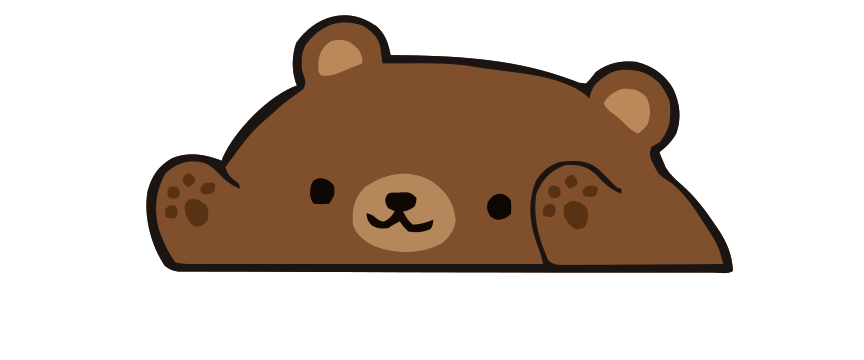
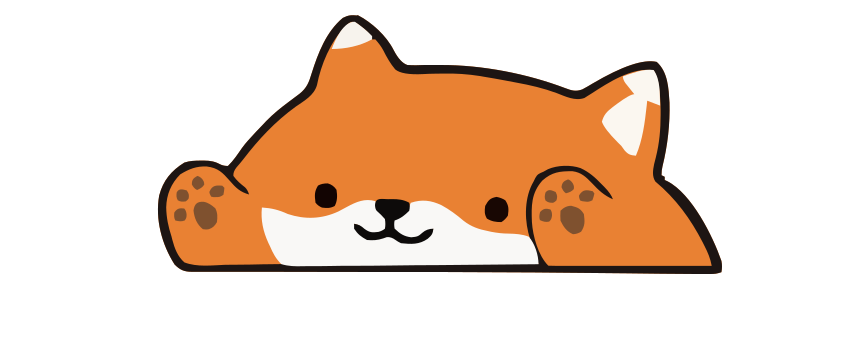
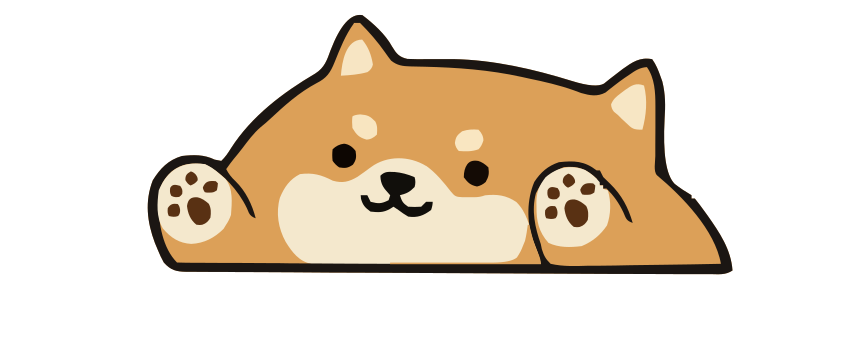
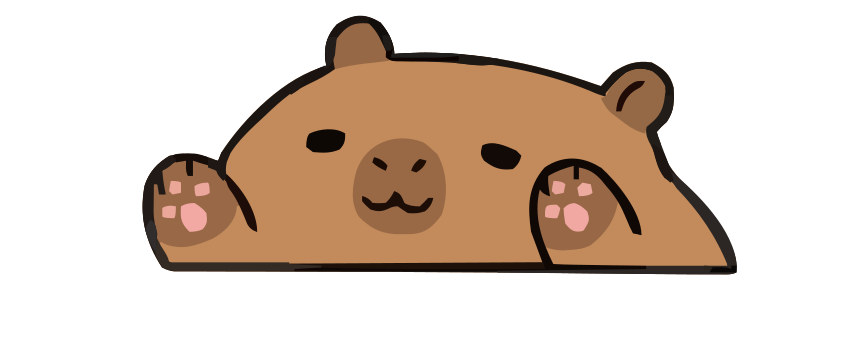
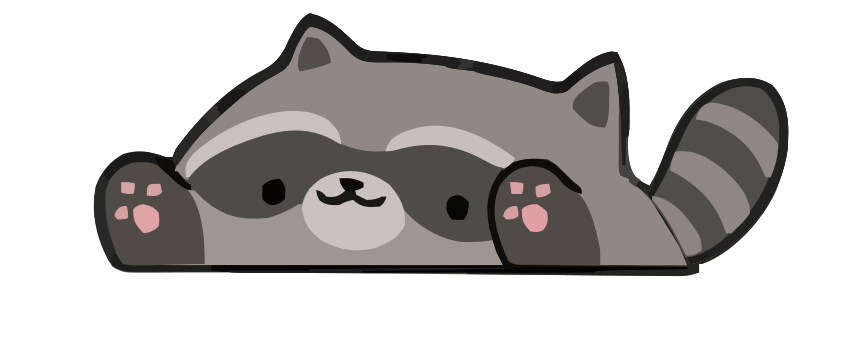
A virtual pet for Mac that grows with you
Each season has its own level. As you type and click, levels bring gifts with items to wear, and some unlock new Paw-Paws. You pick which season earns XP, so you can grow one collection at a time. Our guide to how Paw-Paw works explains levels, seasons and gifts.
Nothing bad happens while you're away: no hunger, no sickness, nothing to clean up. Your Paw-Paw simply naps when you stop and wakes with your next key press. Read more about what a typing pet does while you type.
Tamagotchi vs. Paw-Paw: Same soul, different era
The original Tamagotchi was a handheld keychain toy. Paw-Paw is designed as a desktop companion. The emotional core is similar — a tiny creature you care about — but the interaction is different:
Built for your workflow
Paw-Paw sits in the corner of your screen and responds to typing and clicking. It can be used alongside studying, coding, or writing. Whether any on-screen animation helps or distracts is personal.
Dress them up
Remember dressing up Neopets or decorating your Tamagotchi's room? Paw-Paw has more than 100 collectible items, from a tiny sprout to a ramen bowl. You earn them by working, and you can drag them onto your pet to try them on. It's the same satisfying collection loop, woven into your productive hours.
Free and private
Paw-Paw is free. Both seasons' Paw-Paws and items unlock through progression at no extra charge, with no ads or subscription; the paid extras are optional collections, such as the Illustrain Collection. You don't need an account: without one, your Paw-Paws, items, settings, and progress stay on your Mac, and signing in is only for buying a collection or syncing your progress. Usage analytics and crash diagnostics are off by default and sent only if you opt in; see our Privacy Policy.
Frequently asked questions
Is there a Tamagotchi app for Mac?
Bandai Namco's official Tamagotchi Adventure Kingdom is available on Mac through the App Store for macOS 11 or later, but it is a full adventure game rather than a small always-on desktop pet. Paw-Paw is an unaffiliated Tamagotchi-style desktop companion.
Can I have a virtual pet on my MacBook?
Yes! Paw-Paw is a free macOS app that puts a cute animated animal on your desktop. Choose from dozens of free Paw-Paws — bears, foxes, shibas, capybaras, sheep, otters, and more. They react to your typing and clicks in real time.
Is Paw-Paw like a Tamagotchi?
Paw-Paw shares Tamagotchi's core appeal — a cute virtual companion you care about — but adapted for your Mac desktop. Instead of feeding and cleaning, your pet reacts to your typing and earns collectible items to wear as you work.
Does my Paw-Paw pet die if I don't use it?
No! Unlike Tamagotchi, your Paw-Paw pet never dies or gets sick. It simply sleeps when you're not typing and wakes up when you return. No guilt, no pressure.
Is Paw-Paw free?
Paw-Paw is free, with no ads or subscription and no account needed. Both seasons, with all their Paw-Paws and wearable items, unlock through progression at no extra charge. The optional extras are collections you buy once inside the app, such as the Illustrain Collection for USD 2.99.

Your childhood pet, grown up
Free, no account needed, no ads. A cozy desktop companion for your MacBook.
Download Free for Mac