1
Download Paw-Paw
Go to paw-paw.pet and click Download Free for Mac, or use the direct download link. A .dmg file lands in your Downloads folder. No account or email is needed.
Latest: 0.2.3. Update in the app
Installation guide
Download the app, approve its first launch, allow Accessibility access and update to the latest version. Fixes for common problems are at the end.
A Mac running macOS 13 Ventura or later (Sonoma, Sequoia, Tahoe and macOS 27 all work), Apple silicon or Intel, an internet connection, and about two minutes. Paw-Paw is free; no account is needed.
Go to paw-paw.pet and click Download Free for Mac, or use the direct download link. A .dmg file lands in your Downloads folder. No account or email is needed.
Latest: 0.2.3. Update in the app
Double-click the .dmg file in your Downloads folder. A window opens with the Paw-Paw icon and a shortcut to your Applications folder. Drag the icon onto the Applications folder.
Always open Paw-Paw from Applications, not from inside the DMG window: an app run from the disk image can't update itself. Once it's copied, eject the disk image and delete the .dmg.
Double-click Paw-Paw in Applications. Because it came from the internet, macOS may ask whether you want to open it. Click Open. Paw-Paw is signed with Developer ID and notarized by Apple.
A short Get started window walks you through three steps: sign in or choose Skip for Now (an account is optional), make your privacy choices, then allow Accessibility access.
Click Request Access… and allow Paw-Paw in the macOS prompt. If macOS sends you to Privacy & Security › Accessibility, switch Paw-Paw on there, then come back and click Start Paw-Paw. (The button reads Open System Settings… when access still needs switching on there.) If Paw-Paw isn't in the list, click + and add it from Applications. If Paw-Paw asks for a restart to finish turning on Accessibility, click Restart Paw-Paw.
Just downloaded Paw-Paw? For now, the download starts on version 0.2.0. Right after installing, open Settings › About and click Check for Updates… to get the latest version.
Paw-Paw downloads updates automatically in the background. To check straight away, open Settings (right-click your pet and choose Settings…), go to About and click Check for Updates…. From version 0.2.1 it's also in the Paw-Paw menu at the top of the screen.
When an update is ready, Restart to Update… appears in the Library sidebar and on Home. Paw-Paw restarts into the new version only when you click it (otherwise the update installs the next time you quit), with your progress intact. Settings › About shows which version you have.
On macOS 26 Tahoe and later, the first update from Paw-Paw 0.2.0 can stop with “An error occurred while running the updater.” Nothing is broken. Quit Paw-Paw, open it again, and choose Check for Updates… once more. The second try installs normally.
The update switches live in Settings › About too. The changelog lists what each version adds.
Your Paw-Paw appears in the corner of your desktop and taps along as you type and click. Every key press and click earns XP; each level brings a gift with an item to wear, and some levels add a new Paw-Paw.
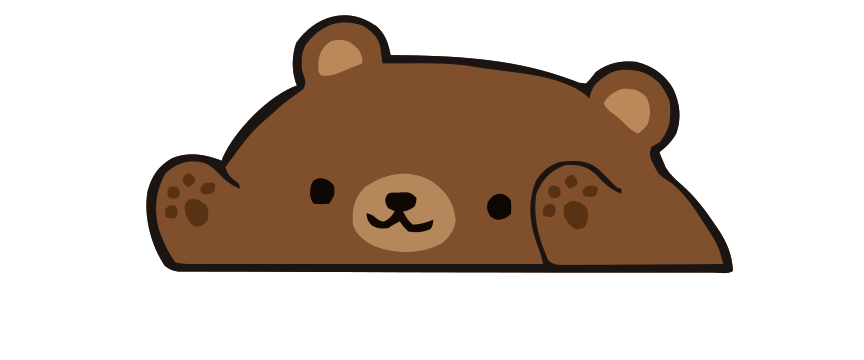
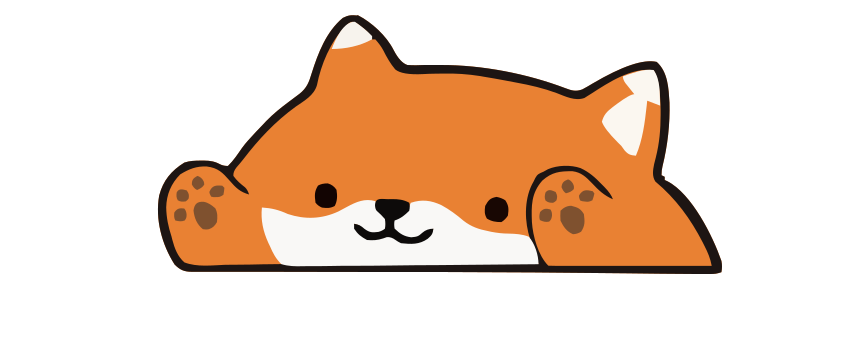
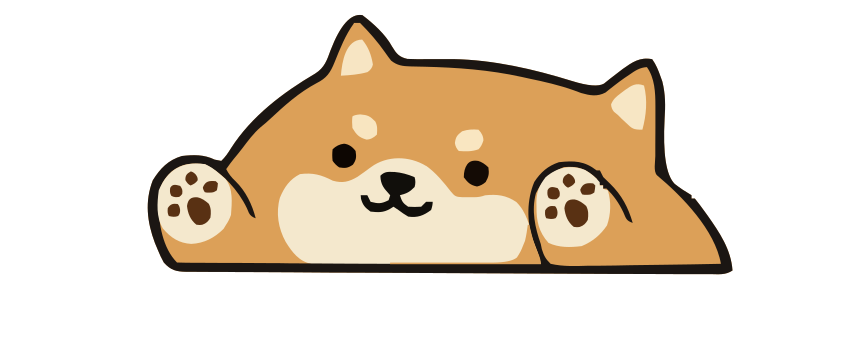
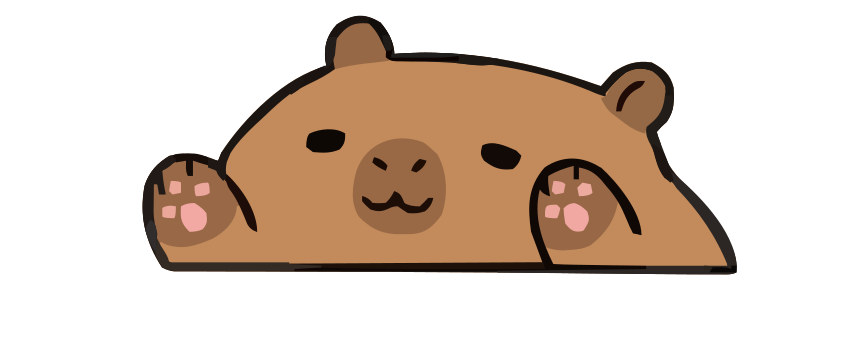
After setup, a short tour starts beside your Paw-Paw on the desktop, then walks through the Library. The Library opens on Home, with your progress, news and tips; take the tour again from Home or Help › Take the Tour. Open the Library by clicking Paw-Paw in the Dock, or right-click your pet and choose Open Library. For what levels, seasons, gifts and achievements mean, read How Paw-Paw works.
Open System Settings › Privacy & Security › Accessibility and check that Paw-Paw is switched on. If it is on but nothing happens, select Paw-Paw, remove it with the − button, add it again with + from Applications, and reopen Paw-Paw. This happens when a different copy of the app replaced the one you approved. Password fields, and apps with Secure Keyboard Entry turned on, hide typing from every other app, so your Paw-Paw stays still there; clicks still count.
On macOS 26 Tahoe and later, the first update from Paw-Paw 0.2.0 can stop with “An error occurred while running the updater.” Quit Paw-Paw, open it again and choose Check for Updates… in Settings › About once more. The second try installs normally.
Right-click Paw-Paw in the Dock. If you chose Hide for 1 Hour, Show Paw-Paw Now brings it back; the same menu has Opacity, and Reset Position if you moved it. Paw-Paw also hides while an app is in full screen and while any app listed under Hide for Specific Apps is in front. Both are in Settings.
Delete that copy, download Paw-Paw again from paw-paw.pet, and make sure the download finished. Use Open Anyway in System Settings › Privacy & Security only as a deliberate fallback after confirming where the app came from, and never bypass a warning that says the app is damaged or will harm your computer. Re-download it or contact us instead.
Sign in with the account you bought it with (Settings › Account), then open the Illustrain Collection in the Library sidebar and click Restore Purchases. Its art downloads by itself once Paw-Paw sees the purchase, so keep the Mac online for a minute.
No. Paw-Paw keeps your progress in your user Library, not inside the app, so updating or replacing the app keeps it. Only Reset Progress… or Reset Everything… in Settings › About erases it.
Sign in with the same Paw-Paw account on both Macs (Settings › Account). Your items, achievements and levels sync, and if both Macs already have progress, Paw-Paw combines them, keeping the higher level of each season and collection. Without an account, progress stays on the Mac where you earned it.
macOS gates system-wide input monitoring behind Accessibility access. Paw-Paw observes event types, not typed characters, and stores aggregate key press and click totals locally so progression can persist. It does not log or transmit typed content.
Yes. Paw-Paw is a universal app that runs natively on Apple silicon and Intel Macs running macOS 13 Ventura or later, including macOS 14 Sonoma, macOS 15 Sequoia, macOS 26 Tahoe and macOS 27.
Paw-Paw is a native Swift app designed to stay lightweight, but actual CPU and battery use varies by Mac, settings, and activity. Use Activity Monitor if you want to measure it on your system.
If you signed in, first choose Settings › Account › Delete Account… to remove your account and cloud save, or Sign Out to just forget the sign-in on this Mac. Settings › About › Reset Everything… clears local progress and settings. Then quit Paw-Paw and drag it from Applications to the Trash. To remove any saved settings and progress left behind, delete ~/Library/Preferences/com.pawpaw.app.plist and ~/Library/Application Support/PawPaw, then remove Paw-Paw from Accessibility in System Settings.

No trial, ads, or subscription, and no account needed. Both seasons' Paw-Paws and items unlock as you play. Native macOS, reacts as you type in most apps once Accessibility access is granted.
Download Free for MacFree · macOS 13+ · Apple silicon + Intel