
Bongo Cat for Mac: Steam or a free alternative?
Yes, the official Bongo Cat is available for Mac through Steam. Here is how to get it, what your Mac needs, and when Paw-Paw is a better fit.
Which Mac download do you want?
For Bongo Cat itself: use the official Bongo Cat Steam page. It lists macOS 11 or later and Intel 64-bit or Apple silicon support. Install Steam, sign in, then install the free base game; optional DLC and cosmetic items can cost extra.
For a desktop pet without Steam: Paw-Paw is a signed, notarized direct download for macOS 13 or later, on Apple silicon and Intel. Both seasons, with dozens of Paw-Paws and more than 100 wearable items, unlock through progression at no extra charge.
How to install the official Bongo Cat on a Mac
These steps follow the official Steam distribution route, reviewed October 7, 2026. We have checked the listing, but have not completed a hands-on Steam installation on this test Mac.
- Check your Mac. Steam lists macOS 11 or later, Intel 64-bit or Apple silicon, 1 GB of memory, 700 MB of available storage and a broadband connection. These are the publisher’s requirements, not our performance measurements.
- Get Steam from Valve. Use the official Steam download page, install the Mac client and sign in to your Steam account.
- Choose the right game. Open Bongo Cat by Irox Games on Steam. The base game is free; paid DLC and cosmetic items are optional.
- Install and launch through Steam. Follow the client’s installation prompts, then open the game from your Library. Complete any setup shown by the app. We have not verified which permissions its current Mac build requests.
If the cat does not tap
The developer’s pinned Mac troubleshooting post recommends opening System Settings → Privacy & Security → Input Monitoring and allowing both Steam and Bongo Cat. Input Monitoring is a different macOS permission from Paw-Paw’s Accessibility access. This is the developer’s guidance; we have not independently tested the permission flow.
If installation stops
First compare your Mac and available disk space with the Steam requirements. If the client cannot download or start the game, use Steam Support or the game’s Steam discussion board. Keep the exact error message when asking for help. Avoid unofficial repackaged downloads or instructions that disable macOS security protections.
If you prefer a direct-download companion, the Paw-Paw installation guide explains its own setup and Accessibility permission. For other choices, see the desktop-pet comparison.
What is Bongo Cat?
Bongo Cat is a typing-reactive desktop companion developed and published by Irox Games according to its current Steam listing. The cat taps along with your keyboard and mouse input, and you collect cosmetic items as you use your computer. Curious where it came from? Read who made Bongo Cat.
The update for Mac owners: Bongo Cat now lists macOS system requirements on Steam, including Intel 64-bit and Apple silicon Macs. It is still a Steam app with DLC and in-game items, so Paw-Paw is the simpler direct-download option if you want a Mac-first companion.
Paw-Paw: a free desktop pet for Mac without Steam
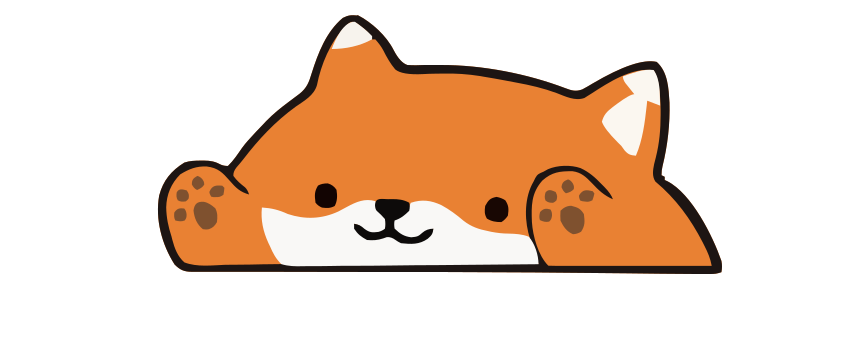
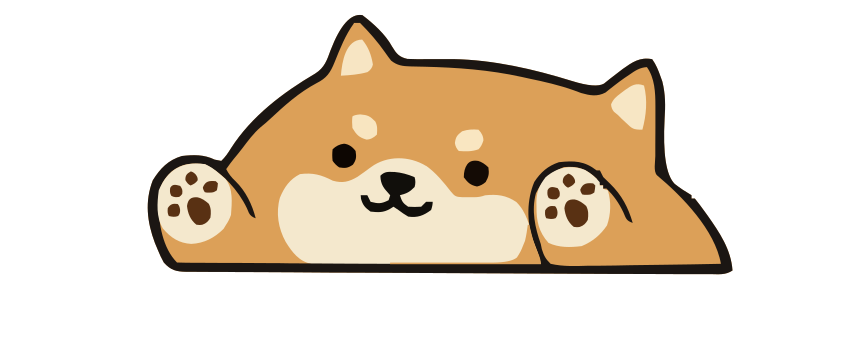
Paw-Paw is a free desktop pet built for macOS. Instead of one cat, you get dozens of illustrated Paw-Paws across two seasons — bears, foxes, shibas, capybaras, raccoons, and more. Each one sits on your screen and reacts as you type and click in most apps once Accessibility access is granted.
Plus, Paw-Paw has more than 100 collectible items, from tiny sprouts to ramen bowls, that you earn by typing and working, and every item fits every Paw-Paw. Everything in both seasons unlocks through progression at no extra charge, with no subscriptions or ads; the paid extras are optional collections, such as the Illustrain Collection.



Bongo Cat vs. Paw-Paw: Quick comparison
| Feature | Bongo Cat | Paw-Paw |
|---|---|---|
| macOS support | Yes, via Steam | Yes, direct download |
| Price | Free to play, paid DLC/items | Free; optional $2.99 collection |
| Reacts to typing | Yes | Yes |
| Characters | Bongo Cat with cosmetic items | Dozens of free Paw-Paws |
| Cosmetic items | Cosmetics, DLC, and in-game items | 100+ collectible items |
| Accounts required | Steam account | None (sign-in optional) |
| Advertising | No advertising disclosed on Steam | None |
| Published Mac requirements | macOS 11+; Intel 64-bit or Apple silicon; 1 GB system RAM; broadband internet; 700 MB storage | macOS 13+; Apple silicon + Intel |
Why Mac users love Paw-Paw
A study buddy that keeps you company
Paw-Paw can be kept open while studying or working. Your animal sleeps when you take a break and wakes when you start typing again. Whether that ambient motion helps or distracts is personal.
Cute items to collect
As you type and work, you earn gifts, each one an item you haven’t found yet, from a tiny sprout to a ramen bowl. It adds a fun collectible layer without turning your productivity tool into a game that demands attention.
Frequently asked questions
Is there a Bongo Cat for Mac?
Yes. The official Bongo Cat Steam page now lists macOS system requirements for Intel 64-bit and Apple silicon Macs. Paw-Paw is a free Mac-first alternative that does not require Steam.
Is Paw-Paw free?
Yes. Paw-Paw is free, with no ads or subscription, and accounts are optional. Both seasons, with all their Paw-Paws and wearable items, are included at no extra charge and unlock through progression. The optional extras are collections you buy once inside the app, such as the Illustrain Collection for USD 2.99.
Does Paw-Paw work on Apple Silicon Macs?
Yes. Paw-Paw is a universal app for Apple silicon and Intel Macs running macOS 13 or later.
What's the difference between Bongo Cat and Paw-Paw?
Bongo Cat is a Steam app centered on one typing-reactive cat, with paid DLC and in-game items. Paw-Paw is a direct-download macOS app with a cast of illustrated animals and collectible wearable items. Both react to typing.
Does Paw-Paw use a lot of CPU or battery?
We have not published measured CPU or battery benchmarks. Resource use varies by Mac, settings, and activity; check Activity Monitor on your system.

Download Paw-Paw free for Mac
No Steam required and no account needed. Both seasons' Paw-Paws and items unlock through progression at no extra charge.
Download Free for Mac