A meme origin story
The history of Bongo Cat — and why typing companions feel so good
From a two-second Twitter animation in 2018 to a Steam game, streaming overlays, and a wider family of typing-reactive companions.
Bongo Cat began with a cat animation that Twitter user @StrayRogue posted on May 6, 2018. On May 7, @DitzyFlama replied with the bongo remix that went viral. Later developers turned the idea into keyboard-reactive software, streaming overlays, and eventually a Steam game. The Steam game Bongo Cat was developed by Marcel Zurawka and Julius Krüger and published by Irox Games. Apps like Paw-Paw share the simple interaction pattern: input happens, a character moves.
On May 6, 2018, Twitter user @StrayRogue posted an animated GIF of a small cat-like character. The character was deliberately abstract — not a realistic cat, more of a blob with cat ears and stubby arms.
On May 7, @DitzyFlama replied with an edited version that added bongos and synchronized the paws to music.
That reply became Bongo Cat.
The format soon spread into remixes set to many different songs. The cat's simple two-paw motion made the premise easy to recognize and adapt.
The format also received year-end press attention. Polygon and Uproxx included it in their best memes of 2018, while The Daily Dot called it an earnest, wholesome meme.
“Most earnest and wholesome meme of 2018.” — The Daily Dot
That quality — earnest, harmless, joyful — is part of why typing companion apps still exist years later. The genre is built on the same emotional register.
While the GIF remixes were still circulating, developers started asking the obvious question: what if the cat responded to your actual keystrokes?
By late 2018, keyboard-reactive software had appeared. Primary repositories and derivatives include Hamish Duncanson's pengu-overlay, ayangweb's BongoCat, MMmmmoko's Bongo-Cat-Mver, and kuroni's bongocat-osu. These projects display a character and animate mapped paws in response to detected input.
This was a meaningful shift. A meme you watched became software you ran. The cat was now reacting to you, in real time, at your actual keyboard. That distinction — personal, reactive, immediate — is what the typing companion genre is built on.
Several early repositories explicitly targeted osu! and used the cat as an input visualizer.
The Bongobs Cat OBS plugin brought the character into OBS Studio as an overlay that can react to keyboard and mouse input.
For certain streaming categories, this became genuinely useful. On rhythm game streams, Bongo Cat served as an input visualizer — viewers could see exactly which keys the streamer was hitting and when, which helped with tutorials and speedruns. On just-chatting or productivity streams, it was ambient personality. "Something is on screen, it is cute, and it is alive."
Independent macOS ports also appeared, typically requiring Accessibility permission for global input monitoring.
Bongo Cat's staying power is visible in its remixes, overlays, and later games. The interaction itself is easy to describe even without making a psychological claim about it.
Typing has rhythm, and some people enjoy the sound and feel of different keyboards. A visual companion adds another form of feedback, but there is no need to claim a universal psychological effect.
A typing companion adds visual rhythm feedback: the character's paws move when keyboard or mouse events occur. In Paw-Paw, input content is not logged or transmitted; the app observes event types and stores aggregate key and click totals locally. Other apps may handle input differently, so check their documentation.
There is also an ambient-companion angle. A stationary character can respond without creating a task list or care loop. Specific products differ: some include reminders, care routines, paid content, or notifications. Paw-Paw adds levels and collectible items, but its character mostly reacts and waits, with an occasional cheer in a speech bubble that you can turn off.
The key detail: the companion does not interrupt you. It just notices you.
Whether that feels pleasant or distracting depends on the person. Typing companions have not been established as a productivity treatment; the practical test is whether the animation suits your own workspace.
The official Bongo Cat game arrived on Steam, and the current Steam page now lists macOS system requirements alongside Windows. That makes Bongo Cat a real option for Mac users, including Intel 64-bit and Apple silicon Macs, but it remains a Steam-based app with DLC and in-game items.
In parallel, the typing companion genre has grown beyond one character. Paw-Paw is one example: a native macOS app for Apple silicon and Intel Macs, with a cast of illustrated animals and collectible wearable items. Once Accessibility access is granted, the pet reacts as you type and click in most apps.
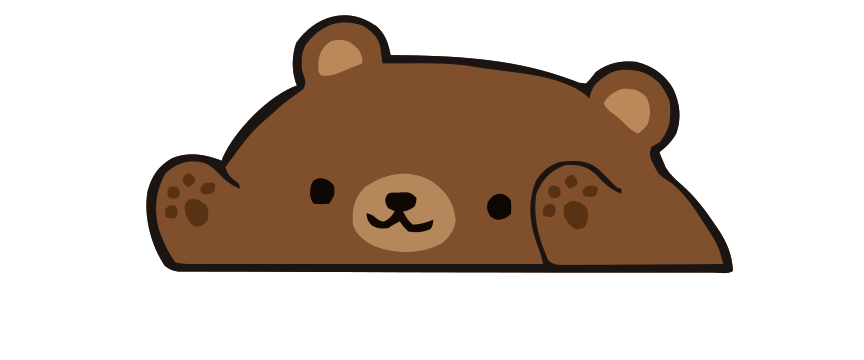
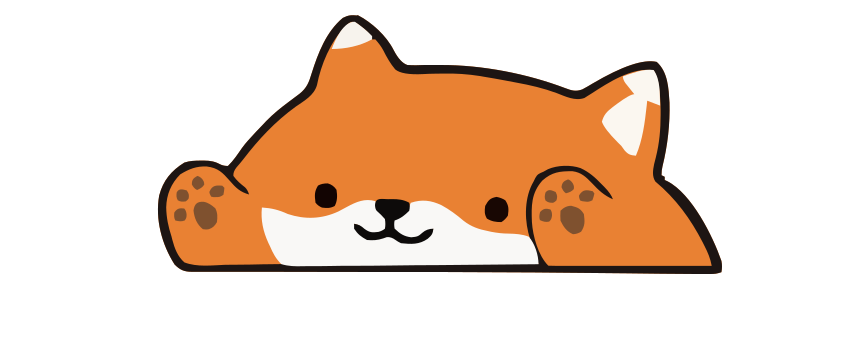
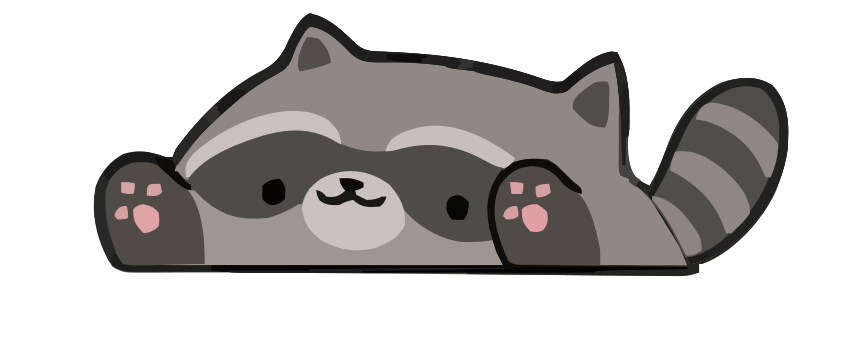

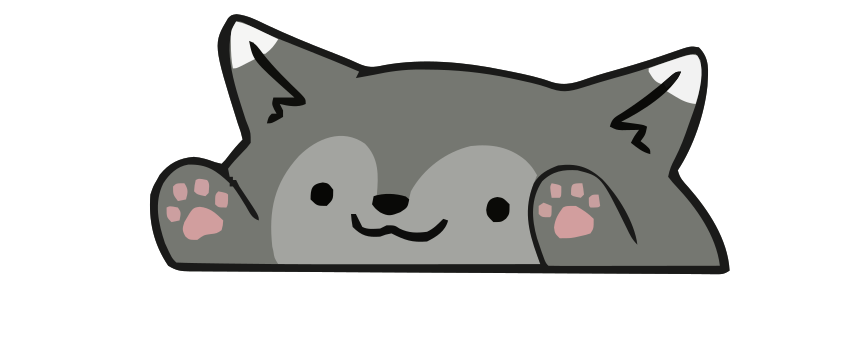
What started as a two-second GIF of a cat-blob playing bongos to a video game soundtrack has become, almost accidentally, a whole genre of software. The core idea — that your typing deserves acknowledgment, that a small character can make work feel slightly more like play — turned out to be worth building products around.
For a direct comparison of the current Mac options, see our Bongo Cat for Mac page.
Frequently asked questions
Who made Bongo Cat?
Twitter user @StrayRogue posted the original cat animation on May 6, 2018. On May 7, @DitzyFlama replied with the bongo remix that went viral. Later developers created keyboard-reactive software and streaming overlays. The Steam game Bongo Cat was developed by Marcel Zurawka and Julius Krüger and published by Irox Games.
Is Bongo Cat available for Mac?
The Irox Games Bongo Cat game on Steam lists macOS requirements for Intel 64-bit and Apple silicon Macs. Paw-Paw is a native macOS alternative with multiple animals and no Steam account requirement. See our Bongo Cat for Mac comparison.
Why do people use typing companions?
A typing companion turns keyboard and click events into immediate character animation. Some people enjoy that ambient visual feedback, but typing companions have not been established as a focus or productivity treatment.
What happened to the original Bongo Cat meme?
After going viral in 2018, Bongo Cat was remixed into hundreds of videos covering different songs. It was called the best or most wholesome meme of 2018 by several publications. The character evolved from meme to keyboard software, OBS streaming overlay, and eventually a Steam game that now lists macOS support.
Is Paw-Paw related to Bongo Cat?
Paw-Paw is inspired by the same idea — a character that reacts to your typing — but is a fully independent app built natively for macOS. Different animals, different character designs, collectible wearable items, and built from scratch in Swift. The connection is the shared premise, not the codebase.
Try the native macOS version.
Paw-Paw is built for Mac with dozens of free illustrated Paw-Paws and more than 100 free collectible items. Once Accessibility access is granted, it reacts as you type in most apps. Free to download.
Download Paw-Paw FreeFree · macOS 13+ · No account needed · Requires Accessibility permission