Now on Windows
Paw‑Paw for Windows
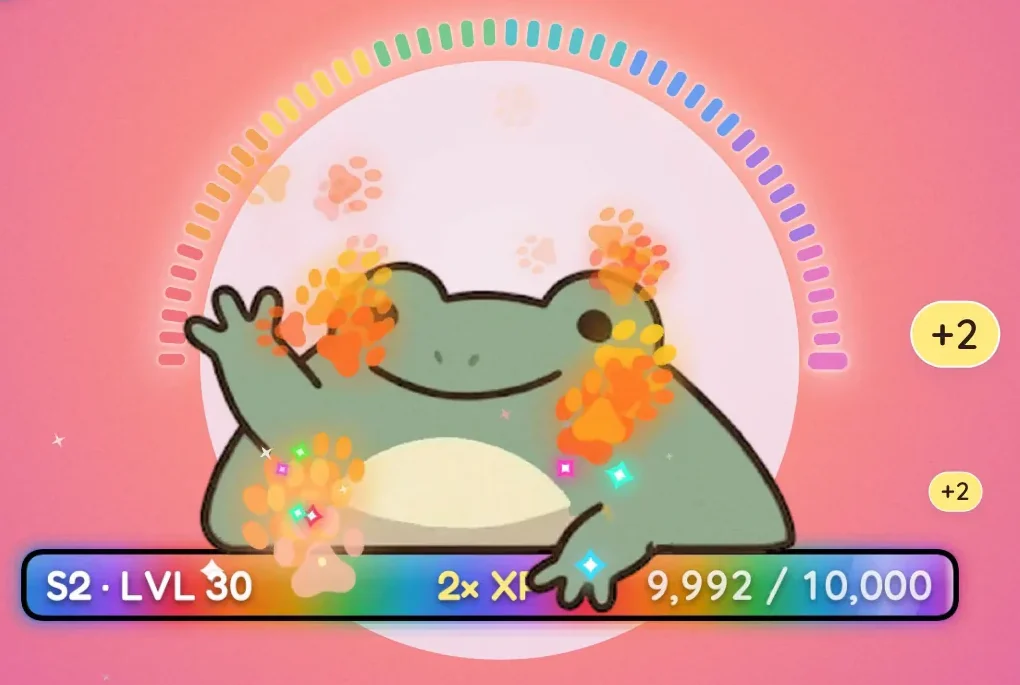
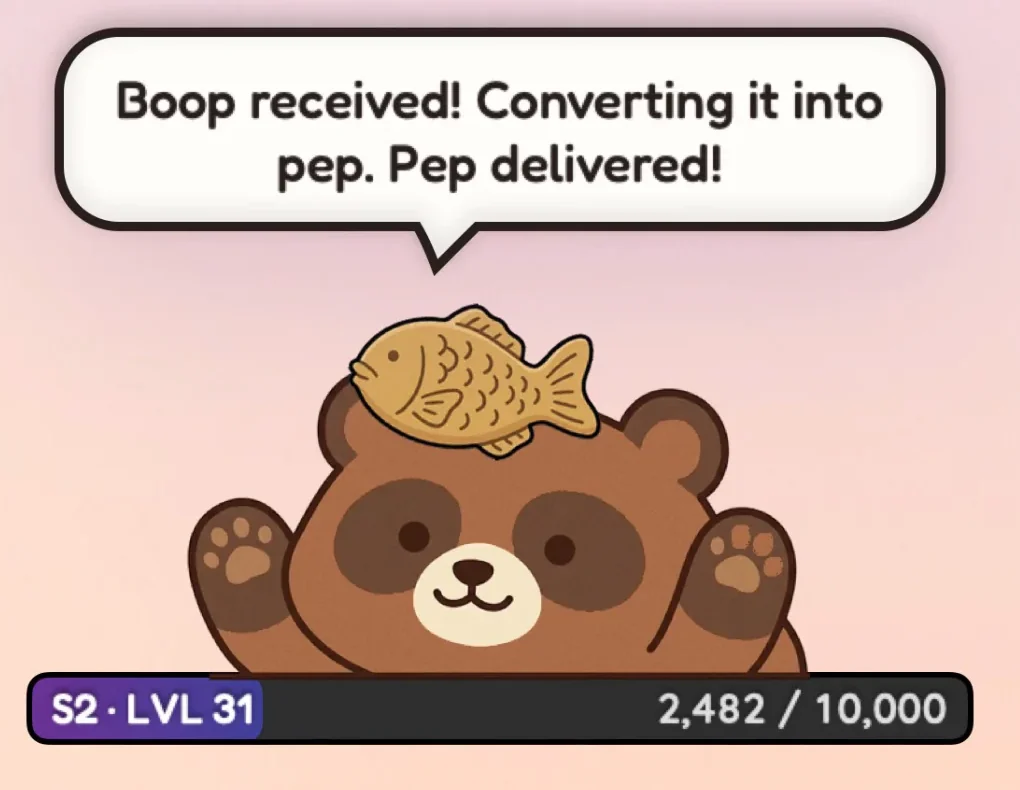
The free desktop pet for Windows 10 and 11. It sits on your desktop, taps along as you type and click, and levels up with you.
Download Paw-Paw for Windows
Free. Needs Windows 10 version 2004 or later, or Windows 11. On a Mac? Download for Mac.
Which download is mine?
Most PCs, with an Intel or AMD chip, need the x64 installer. PCs with a Snapdragon or another ARM chip need the ARM64 installer. To check, open Settings › System › About and look at System type.
Updates, where your progress is saved and how to uninstall are on the Windows install help.
- Price
- Free; optional paid artist collections
- Works on
- Windows 10 version 2004 or later, and Windows 11
- PCs
- x64 (Intel and AMD) and ARM64
- Publisher
- Daystrom OÜ
- Install
- Per user, no administrator rights
- Version
- 0.8.6
- Last updated
- November 26, 2026
What to expect
- The same Paw-Paw as on Mac. It has the same Paw-Paws, seasons, items and achievements, plus the focus timer, Stats and break reminders.
- Sign in to sync. Signed in on your PC and your Mac, your progress and purchases follow you, collections included. Without signing in, your progress stays on the PC.
- No permission needed. Paw‑Paw counts key presses and clicks so it can react, and never records which keys you press or what you type.
- Updates by themselves. New versions download in the background and install when you quit Paw‑Paw or choose Restart to Update. You can turn this off in Settings.
- Your save lives on your PC in
%LOCALAPPDATA%\Paw-Paw. Uninstalling keeps it, so a reinstall picks up where you left off. - Paw‑Paw Pals comes later. Friends are not on Windows yet; they are coming.
- A daily backup. If you use a personal OneDrive, Paw‑Paw backs up your progress to it once a day.
- Already installed? If Windows says Paw‑Paw is already installed, choose Repair.
- Found a bug? Send a note from Home in the app, or write to hello@paw-paw.pet.
More for Windows
- Desktop pets for Windows: the options side by side, plus cozy idle games.
- Bongo Cat on Windows: which download is which.
- Games like Bongo Cat: other typing companions.
- Shimeji on Windows: how to run them.
- Oneko for Windows: the classic cat that chases your cursor.
Questions
Is Paw-Paw free on Windows?
Yes. Paw-Paw for Windows is free, like Paw-Paw on Mac. The only paid extras are optional artist collections.
Does Paw-Paw work on Windows 10?
Yes. It needs Windows 10 version 2004 or later, or Windows 11, on an x64 or ARM64 PC.
Does Paw-Paw need administrator rights?
No. It installs just for your Windows account. Uninstalling keeps your save on your PC.
Does Paw-Paw store what I type?
No. It counts key presses and clicks so your Paw-Paw can react, and needs no permission to do so. It never records which keys you press or what you type.
Is it the same Paw-Paw as on Mac?
Yes. It has the same Paw-Paws, seasons, items and achievements. Sign in with the same account on your Mac and your PC, and your progress and purchases come with you, collections included.
A free desktop pet for your PC
No ads and no account needed. For Windows 10 and 11.
Download FreeWindows 10 and 11, x64 and ARM64. x64 · ARM64 · Install help